
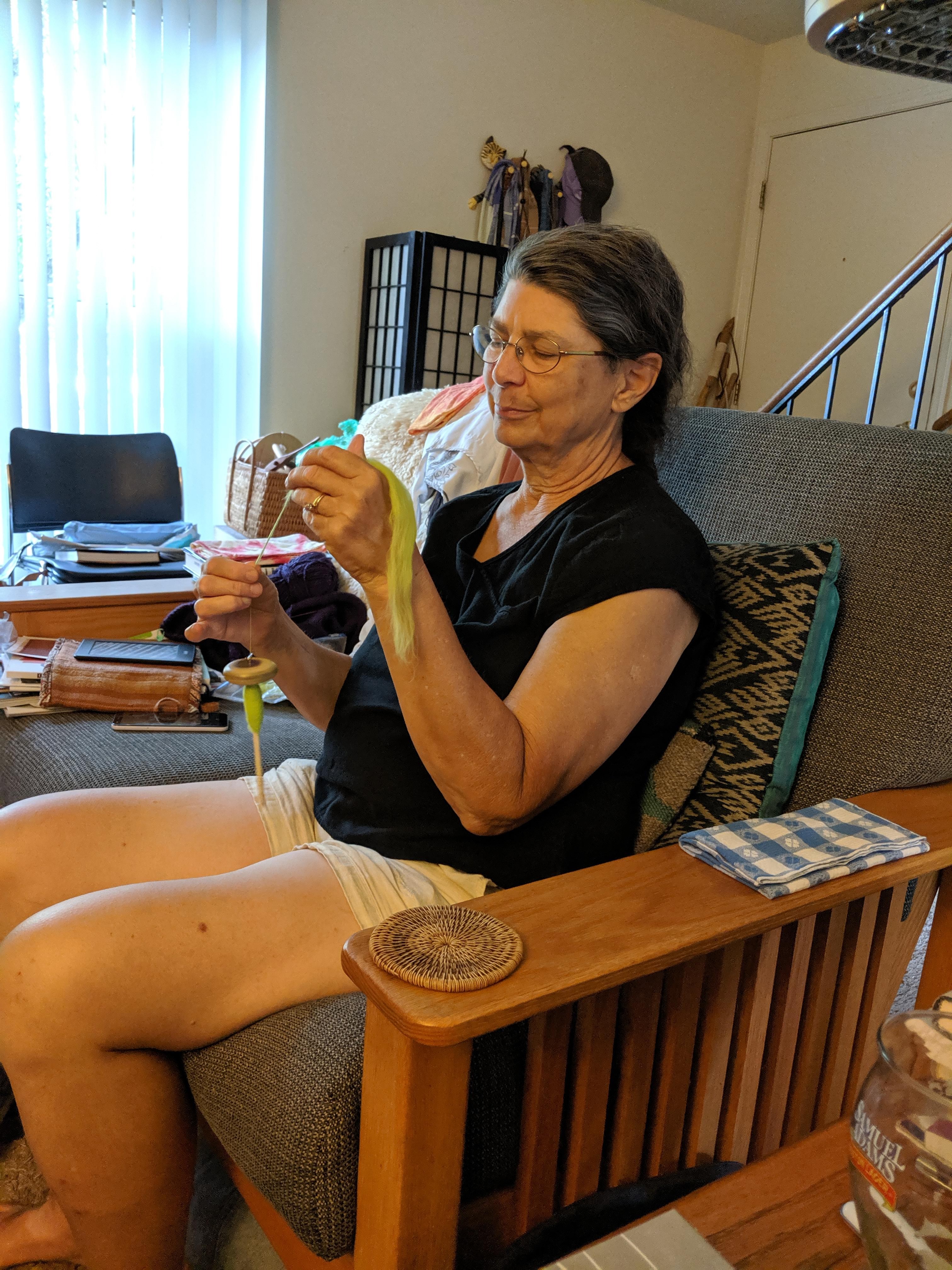
Spindle spinning. As @jackieLbrewer does.

Spindle spinning. As @jackieLbrewer does.

Google noticed that a selfie I took today looks kinda like one I took a few years ago. I think I must have been a little grumpy that day because of the approach of winter.
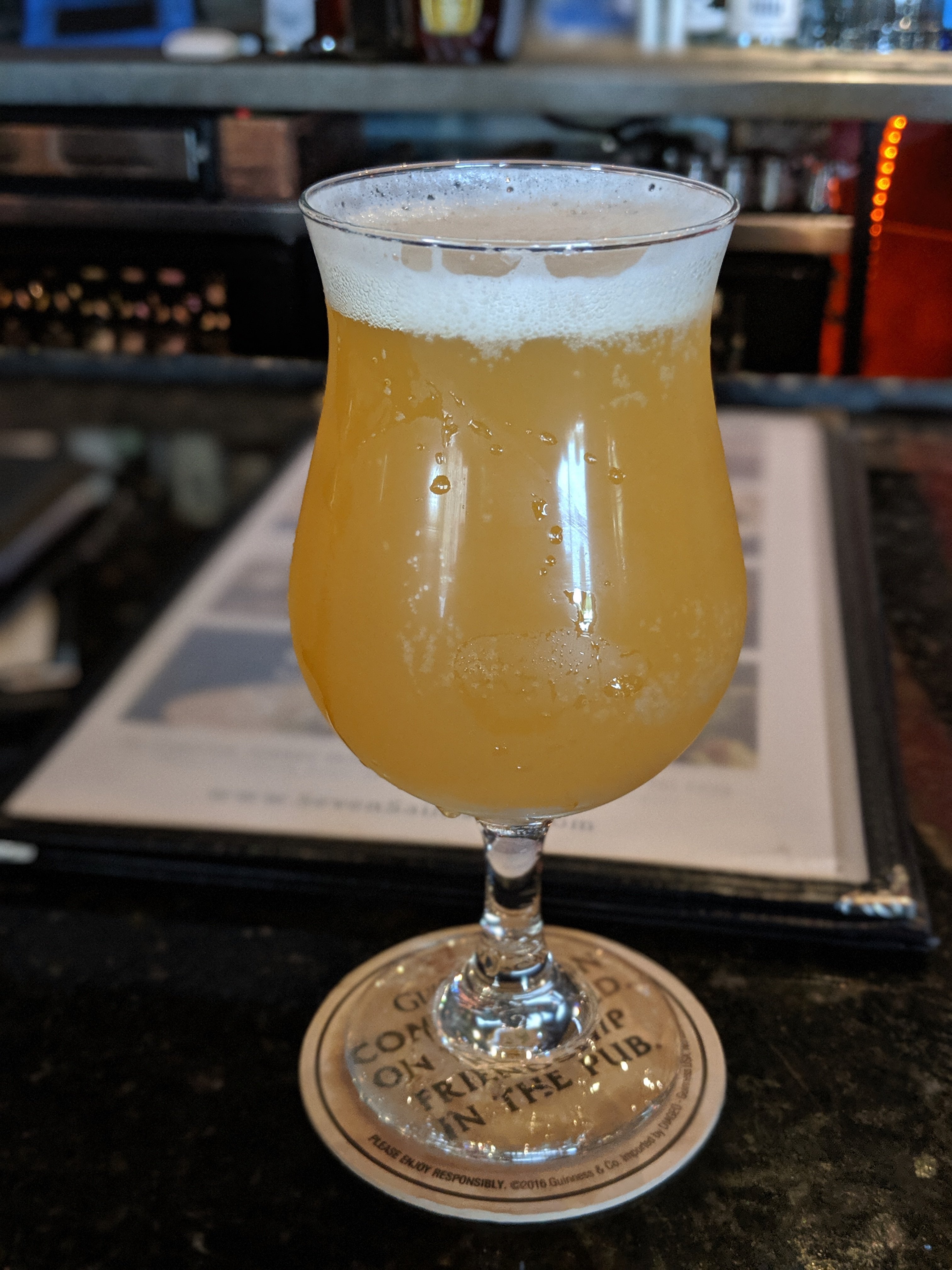
The @triptychbrewing The Way is Shut. Hazy enough for you @limako?
Drinking the @JourneymanDist Kissing Cousins with @jackieLbrewer at @sevensaints.
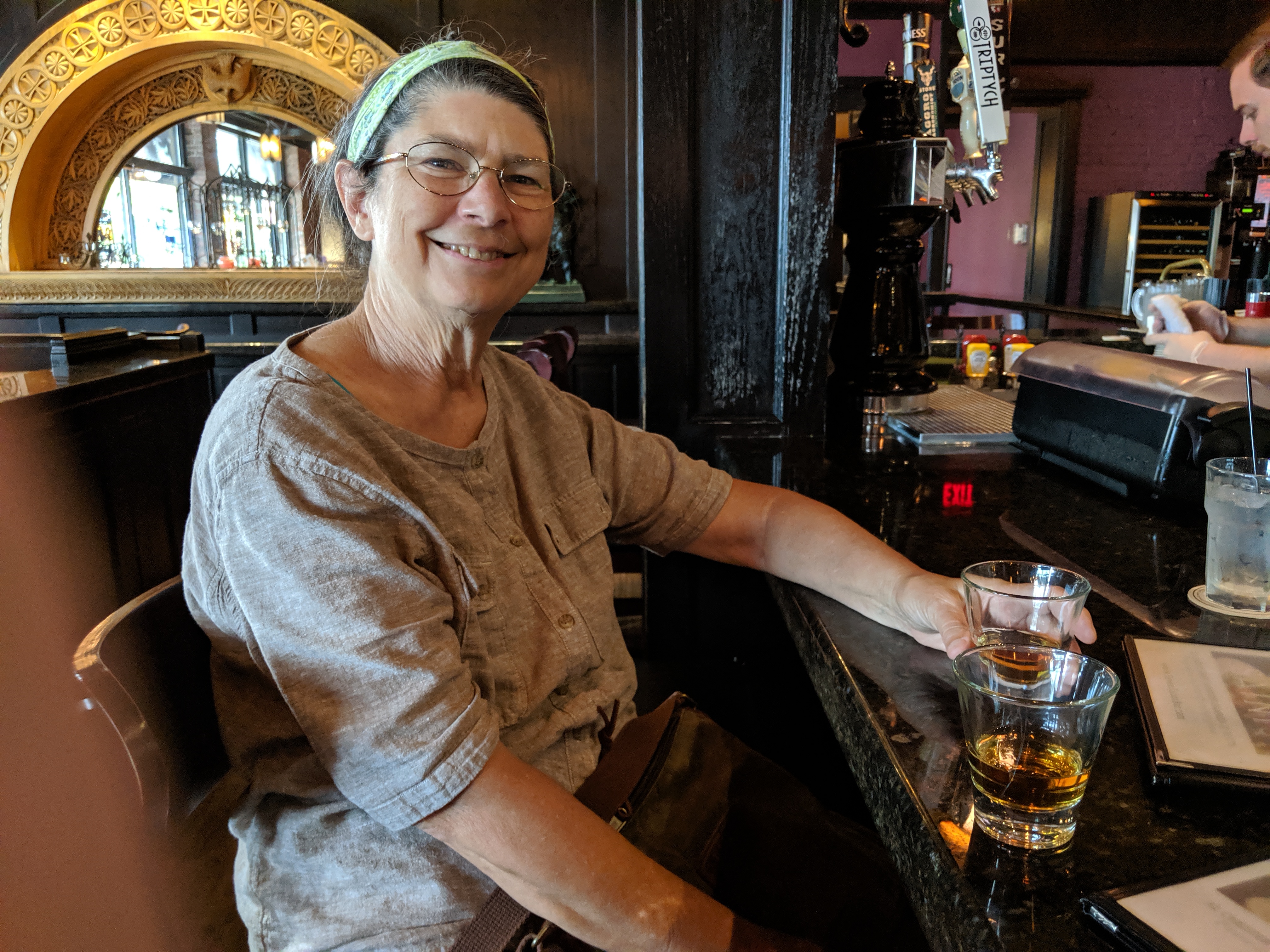
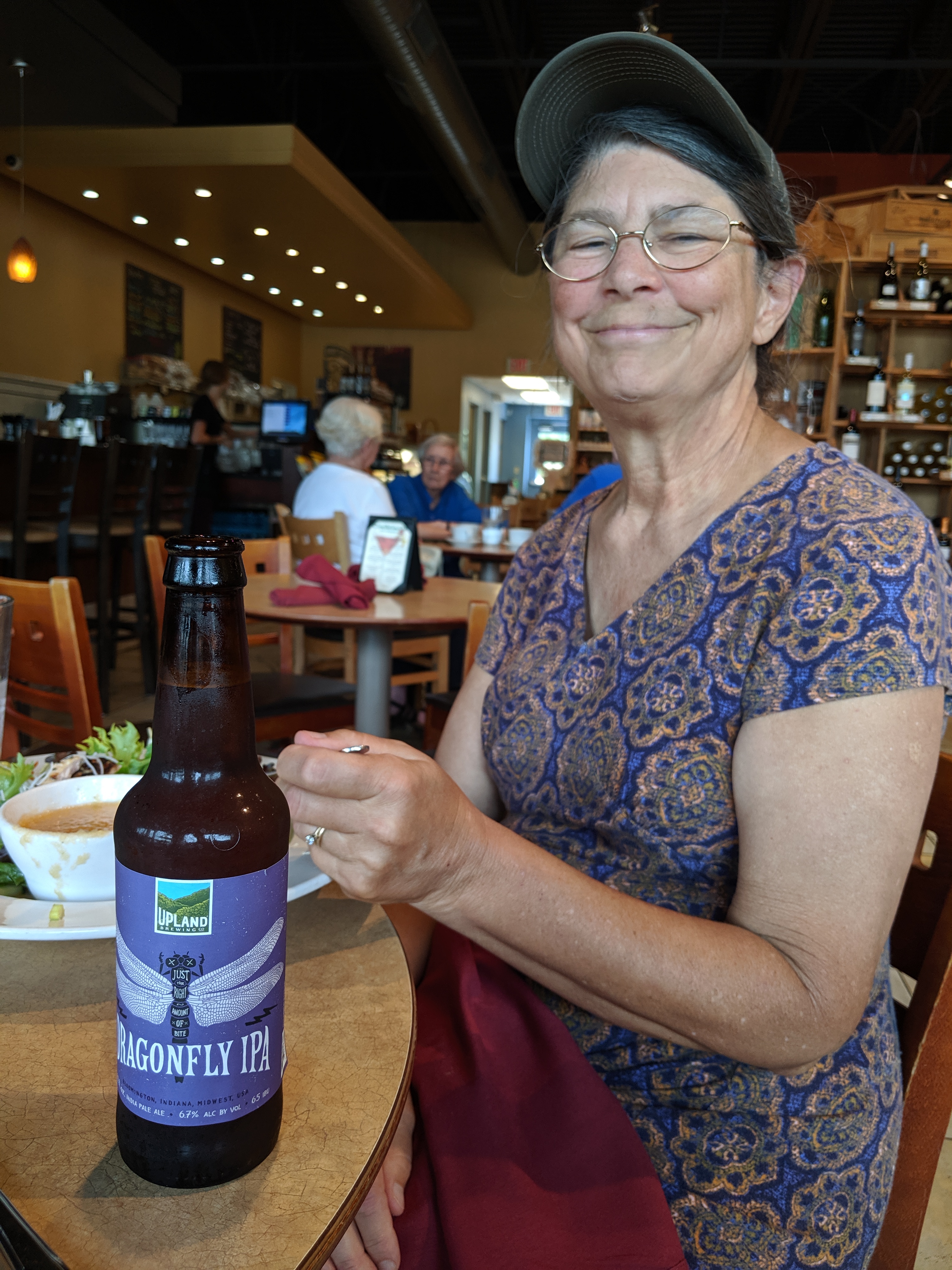
I started with a Big Thorn Farm Red, but @jackieLbrewer’s Upland Brewery IPA was good enough that I wanted my own bottle.

Bubbles likes the heat. Look how lively she is!

I’d though we’d hit peak lilies a couple of days ago, but nope. Yesterday: #lilycount 44!

#lilycount 34 Bonus: you can see our gargoyle Spleenwart way over at the left.
I mentioned a few days ago that I’d got my microblogging working about the way I wanted. There was one exception to that: my “images” workflow.
There’s pretty good “media library” functionality built into WordPress, but I’ve always found it a bit too blog-centric in how it works to be a good general solution to images hosting.
I was a Flickr user from way back, but when the new owners ruined it I decided I should host my own images, and ended up going with Lychee to provide self-hosting functionality.
Lychee works great, but it took me a while to sort out how to integrate images hosted there into my blog.
Here’s what I’ve ended up doing:
Here, for example, is an image I took yesterday:

Pretty much everything works the way I want it to now. The images are hosted on images.philipbrewer.net, I have access to small, medium, and large versions of the images, and an easy-enough way to include them in a blog post.
Two things that could work better:
Still, after a bunch of posts where I was testing things out, in which things didn’t work quite they way I wanted them to, I’ve now got things just about set.
“🎶 Inchworm, Inchworm / Totting up the / Lilycount 🎵”
#lilycount 21 (Full disclosure: As far as I know there is no inchworm in this picture.)
